

How to Set Up an AKS Node Pool maxCount Alert Using KQL and ARG
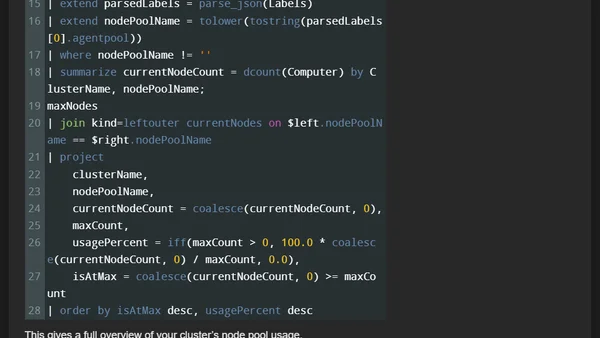
Read OriginalThis technical article details the process of setting up an Azure alert to monitor when an AKS (Azure Kubernetes Service) node pool hits its maxCount limit. It explains using KQL (Kusto Query Language) and Azure Resource Graph (ARG) to dynamically check all node pools, compares their configured maxCount to the current number of ready nodes, and covers solutions to common roadblocks like ARG permission errors and data parsing issues.
Comments
No comments yet
Be the first to share your thoughts!
Browser Extension
Get instant access to AllDevBlogs from your browser
Top of the Week
1
The Beautiful Web
Jens Oliver Meiert
•
2 votes
2
When your coding agent doesn’t understand your project, you’ll get junk
Benjamin Cane
•
1 votes
3
LLM Use in the Python Source Code
Miguel Grinberg
•
1 votes
4
Wagon’s algorithm in Python
John D. Cook
•
1 votes
5
An example conversation with Claude Code
Dumm Zeuch
•
1 votes