

Open any folder from the Terminal app in a Finder on macOS
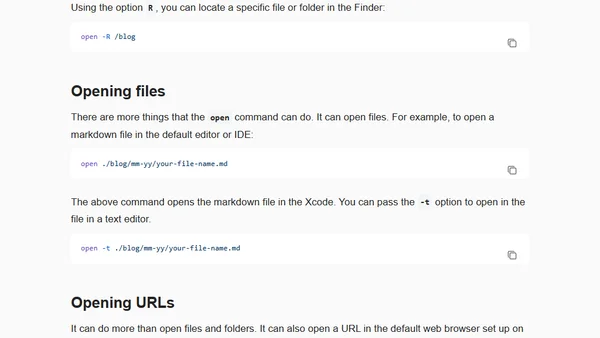
Read OriginalThis article explains the versatile 'open' command in macOS Terminal, demonstrating how to open the current working directory in Finder, specific files in default editors, and URLs in web browsers. It covers useful options like '-R' to reveal files in Finder and '-a' to specify an application, providing a handy productivity tip for developers and power users.
0 comments
Comments
No comments yet
Be the first to share your thoughts!
Browser Extension
Get instant access to AllDevBlogs from your browser
Top of the Week
1
The Beautiful Web
Jens Oliver Meiert
•
2 votes
2
When your coding agent doesn’t understand your project, you’ll get junk
Benjamin Cane
•
1 votes
3
LLM Use in the Python Source Code
Miguel Grinberg
•
1 votes
4
Wagon’s algorithm in Python
John D. Cook
•
1 votes
5
An example conversation with Claude Code
Dumm Zeuch
•
1 votes