

How to show Touch indicator on iOS simulator
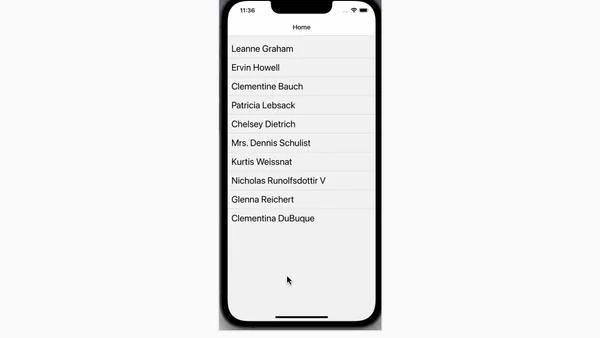
Read OriginalThis technical tutorial explains how to show a visual touch indicator on the iOS Simulator by using a specific terminal command (`defaults write com.apple.iphonesimulator ShowSingleTouches 1`). It covers both enabling and disabling the feature, which is helpful for creating clearer screen recordings and GIFs during iOS development.
Comments
No comments yet
Be the first to share your thoughts!
Browser Extension
Get instant access to AllDevBlogs from your browser
Top of the Week
1
The Beautiful Web
Jens Oliver Meiert
•
2 votes
2
When your coding agent doesn’t understand your project, you’ll get junk
Benjamin Cane
•
1 votes
3
LLM Use in the Python Source Code
Miguel Grinberg
•
1 votes
4
Wagon’s algorithm in Python
John D. Cook
•
1 votes
5
An example conversation with Claude Code
Dumm Zeuch
•
1 votes